




Yours alone
Every note is yours alone — visible only to you unless you choose to share it.
AltNotes - AI Voice Notes
AltNotes records, transcribes, summarizes, and now lets you ask questions across your notes so answers, decisions, and next steps are easy to find.
Capture the thought now. Ask about it later.
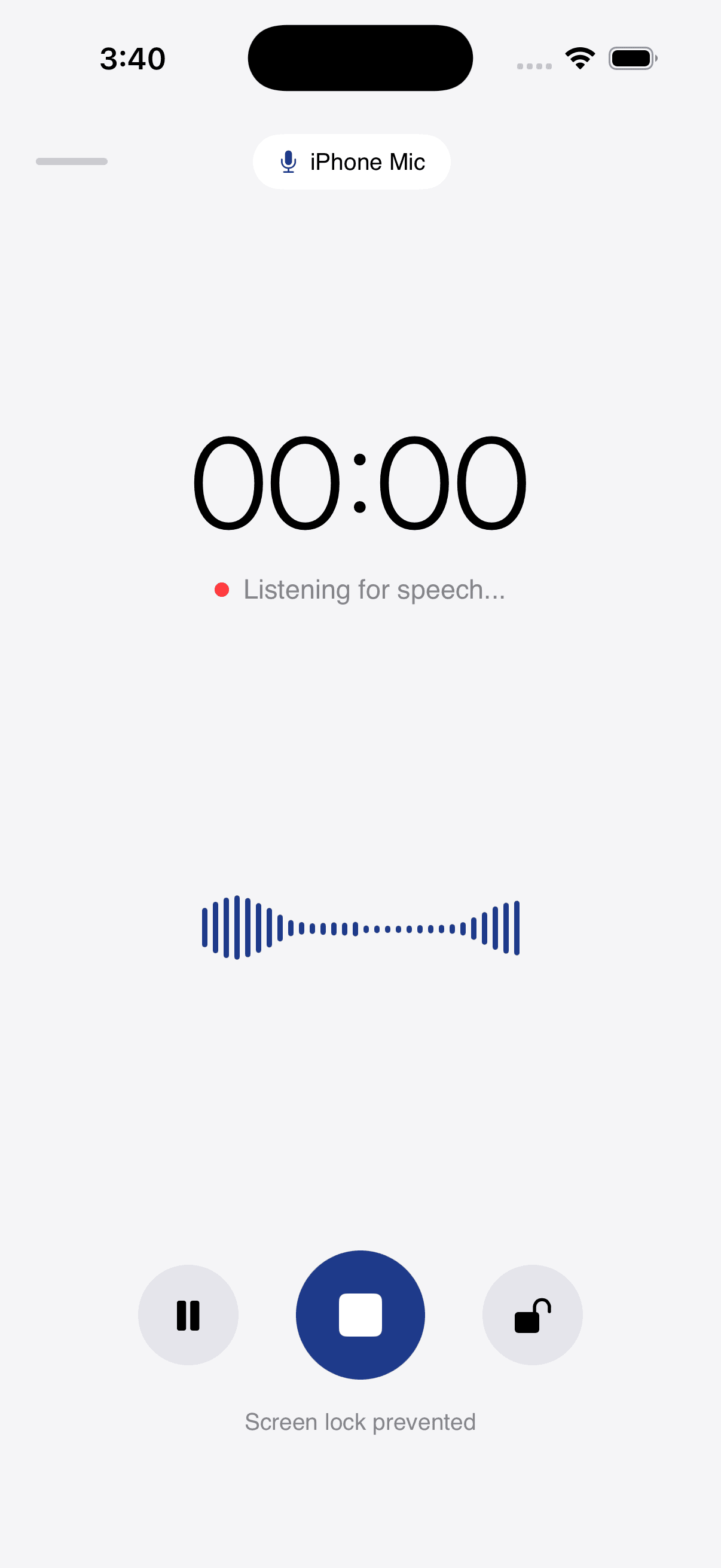
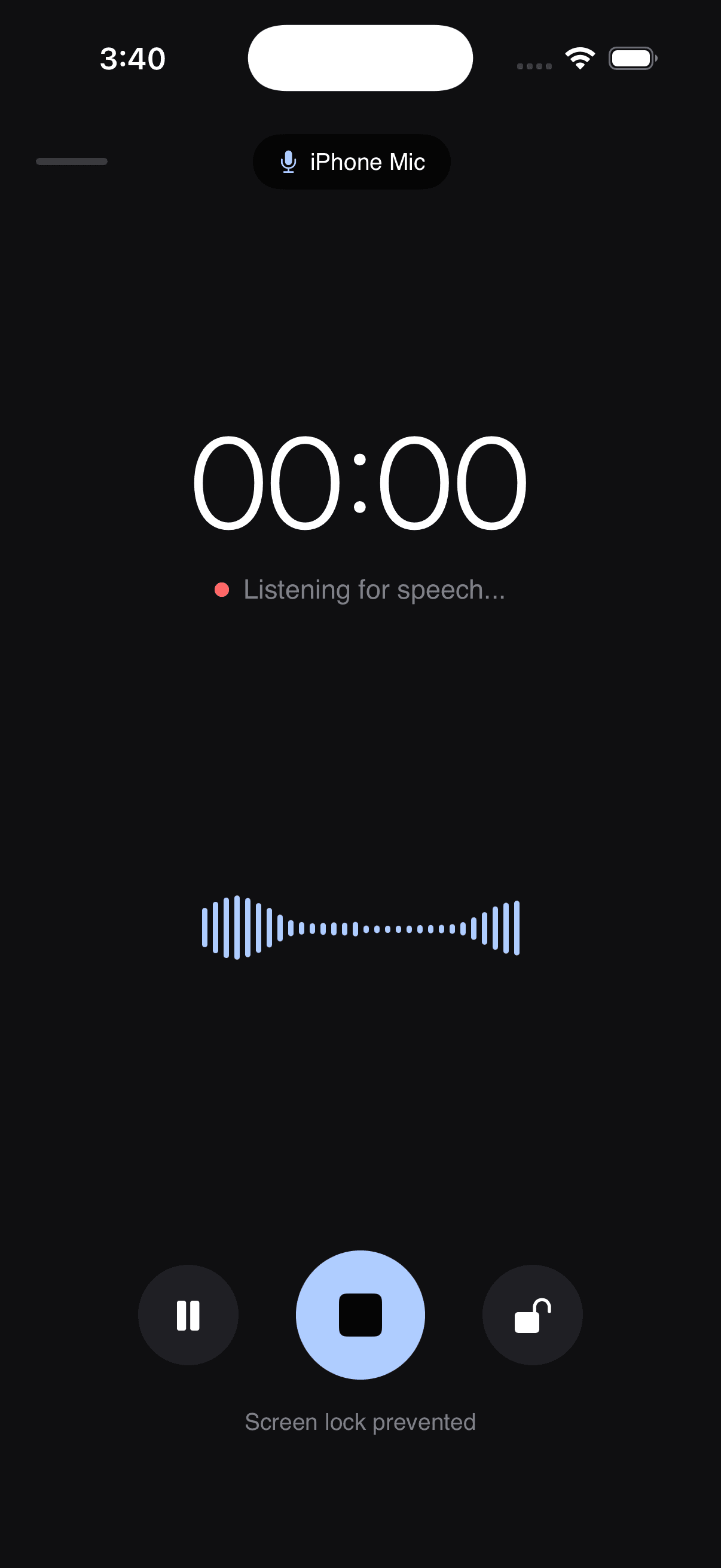
A clean recording surface with a live timer and waveform. Start in a second, stay focused.
MeetingsLecturesInterviewsPodcastsStandupsVoice memos
Five steps from audio to answers — designed to feel native on iPhone & iPad (Mac support coming soon).
One-tap lightning capture with native lockscreen widgets, action button support, and instant file import.
Words flow in live as you speak with automatic speaker detection, punctuation, and sub-second latency.
Automatic executive summaries, key decisions, follow-up reminders, and smart tags ready in 0.4s.
Dispatch recaps directly to email, schedule in-app reminders with native notifications, and copy formatted summaries with one tap.
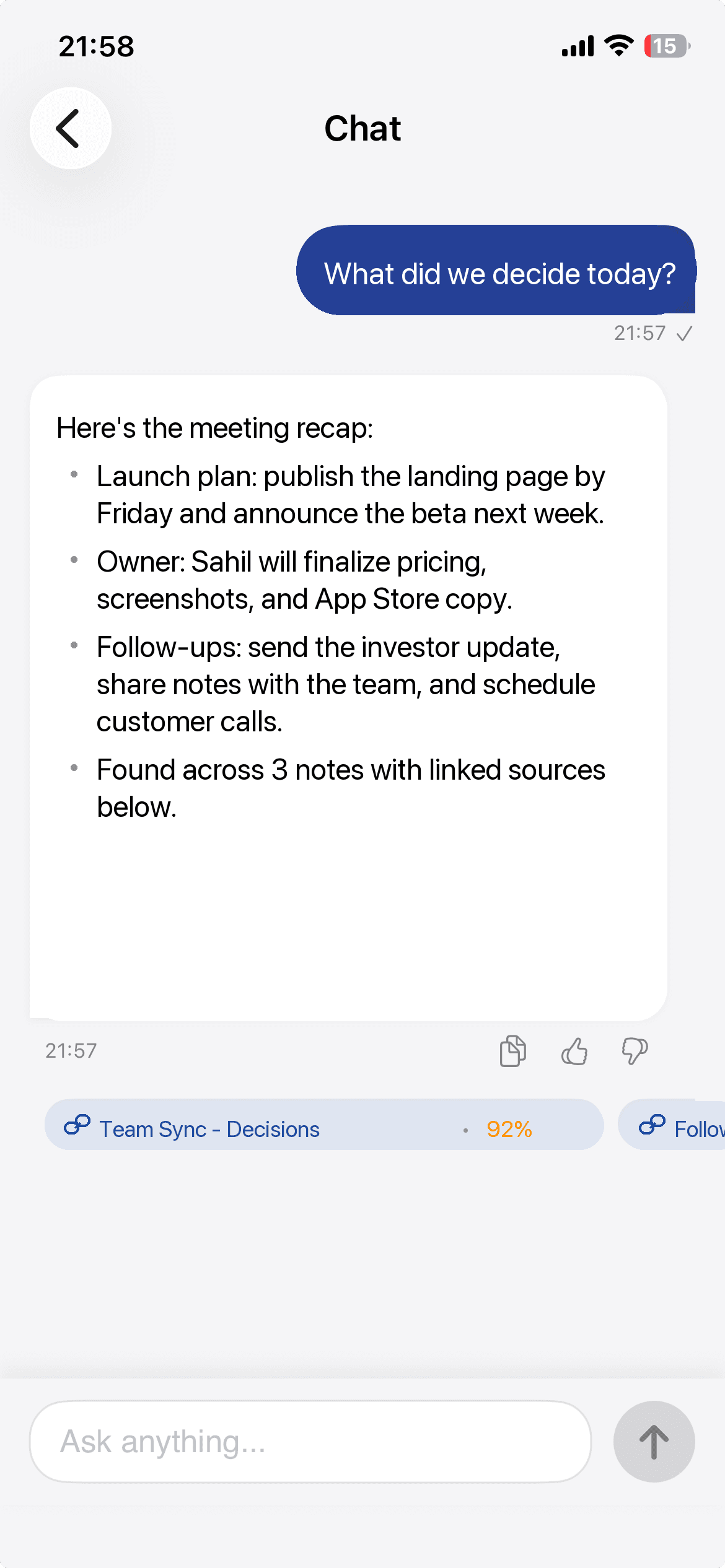
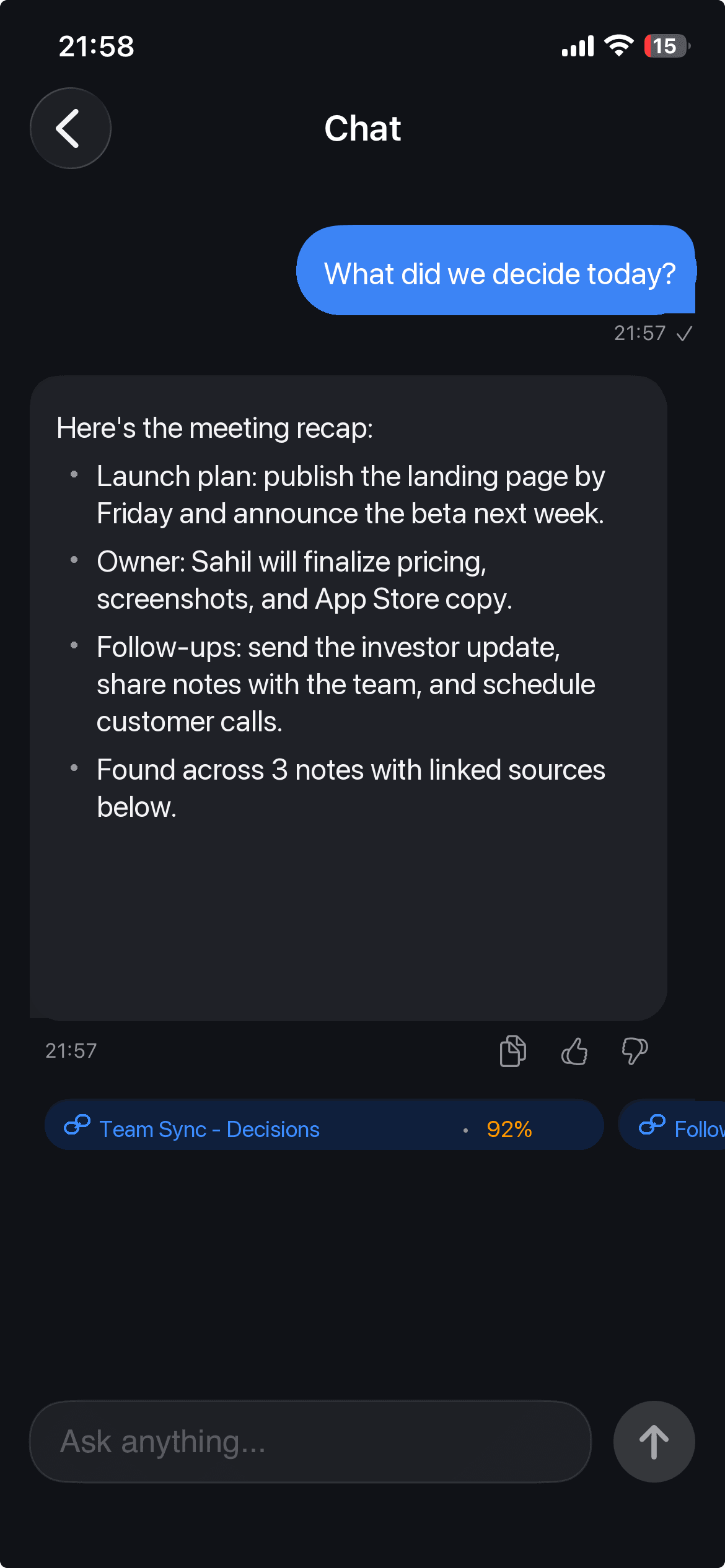
Turn hours of past audio recordings into an interactive personal brain. Ask natural questions and receive precise answers with exact timestamped audio citations.
Minimal by design. Everything you need to capture, understand, and follow up — fast.
Start in a second. Big controls, a clear timer, and a calm surface built for one hand.
Ask AI
AltNotes turns your recordings into searchable memory. Ask about meetings, classes, interviews, ideas, or follow-ups and get focused answers from your saved notes.
Privacy is not a setting you have to find — it is how the app is built.
Every note is yours alone — visible only to you unless you choose to share it.
Your recordings and notes are encrypted, so your thoughts stay your business.
Send any note as a quick link — even to people who don't have the app.
A look at the screens that help you record, review, ask, and act on your notes.
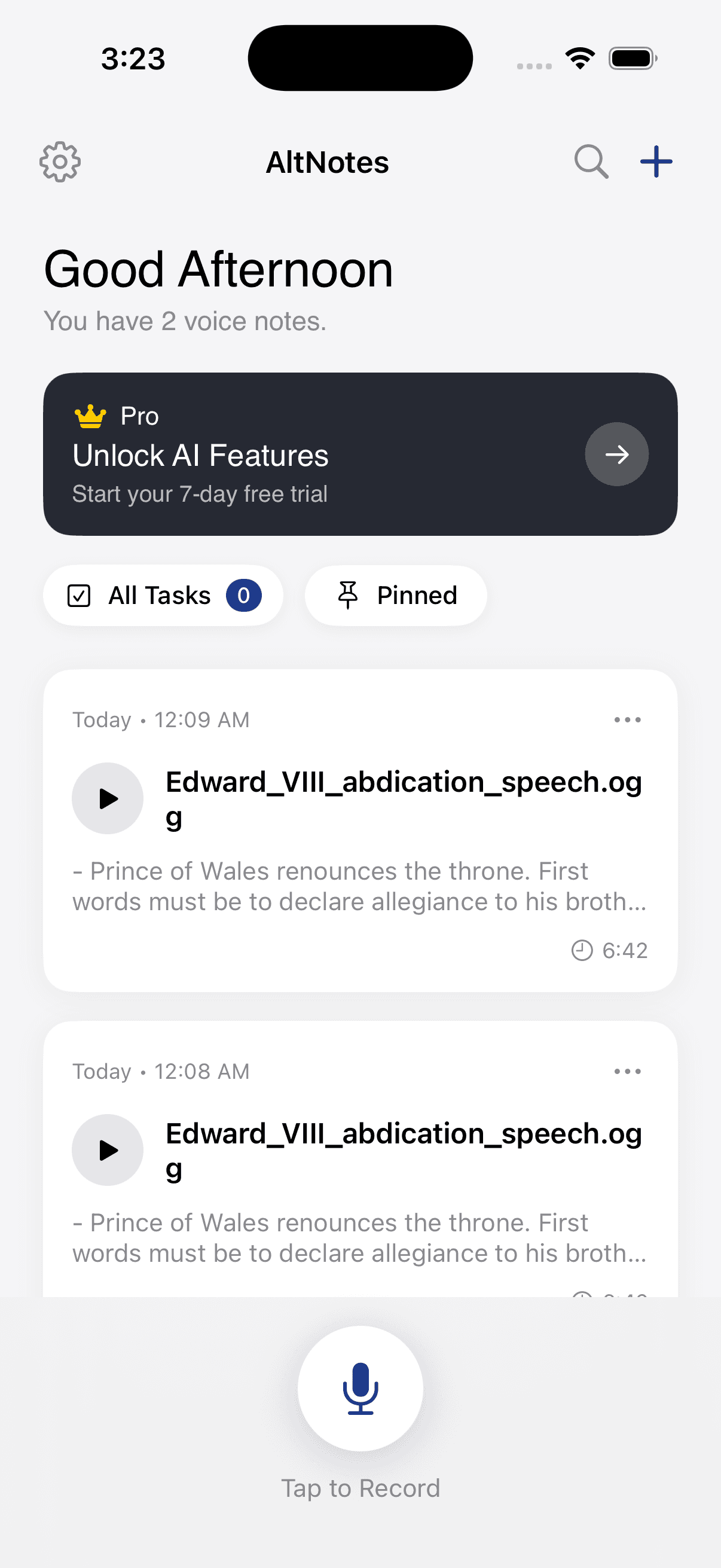
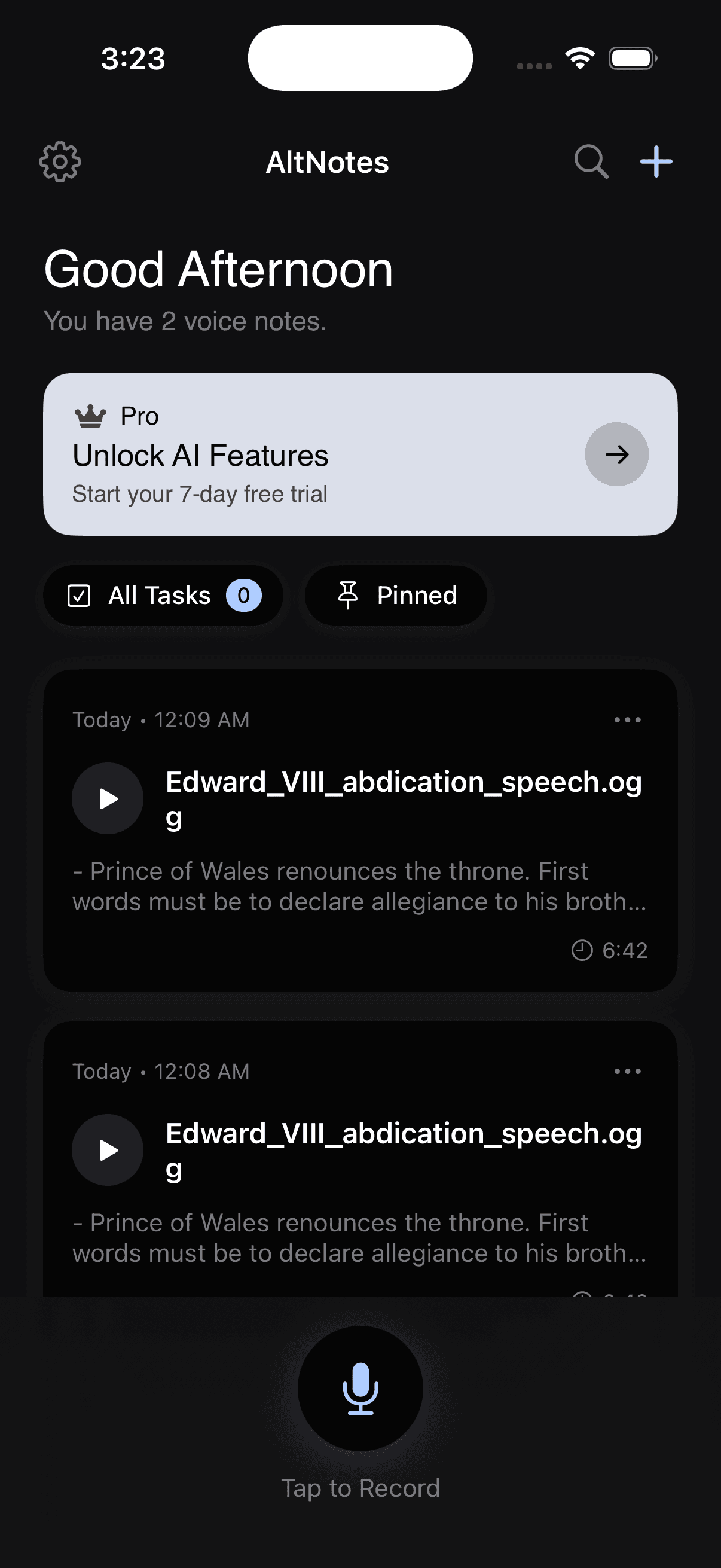
Your notes stay close. Record, search, and jump back in fast.
One-tap recording with a calm surface and clear controls.
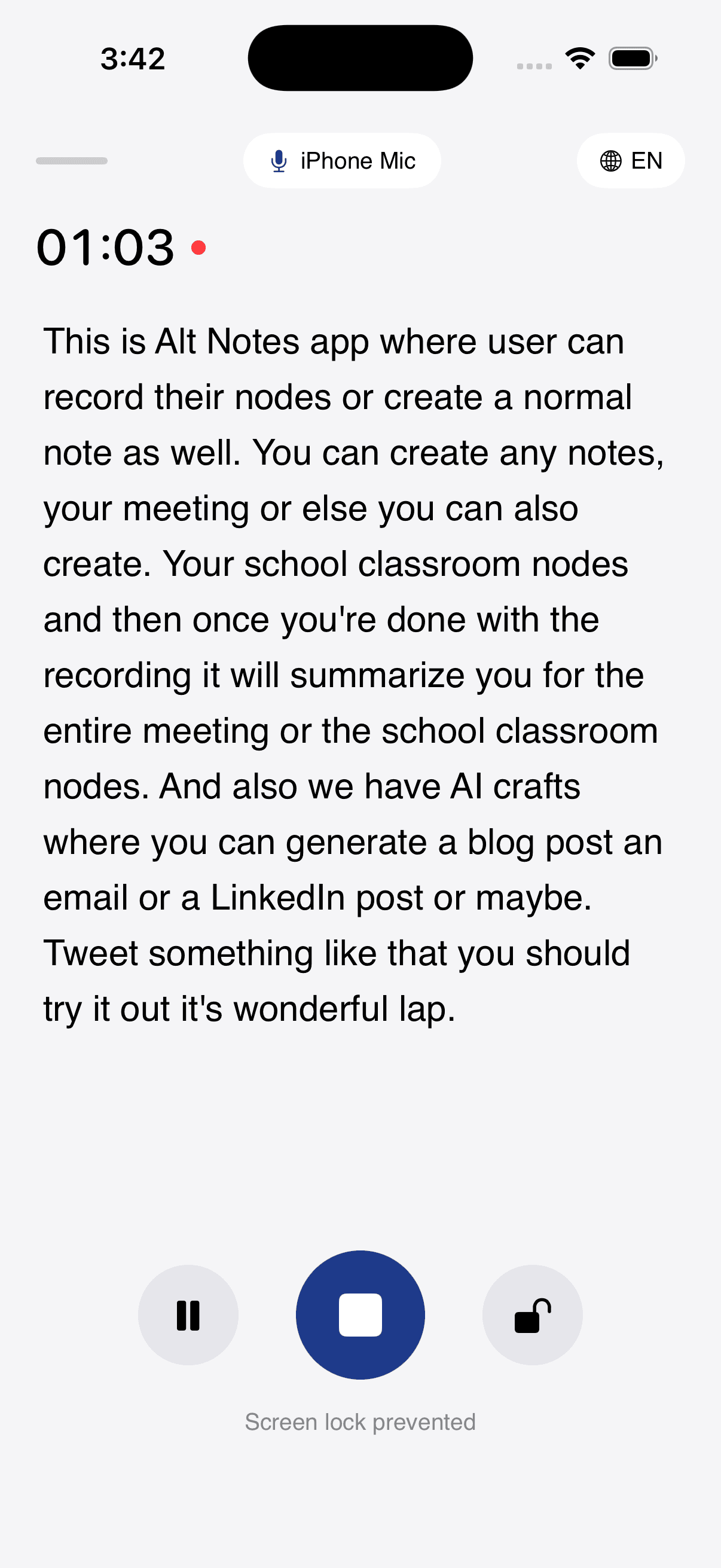
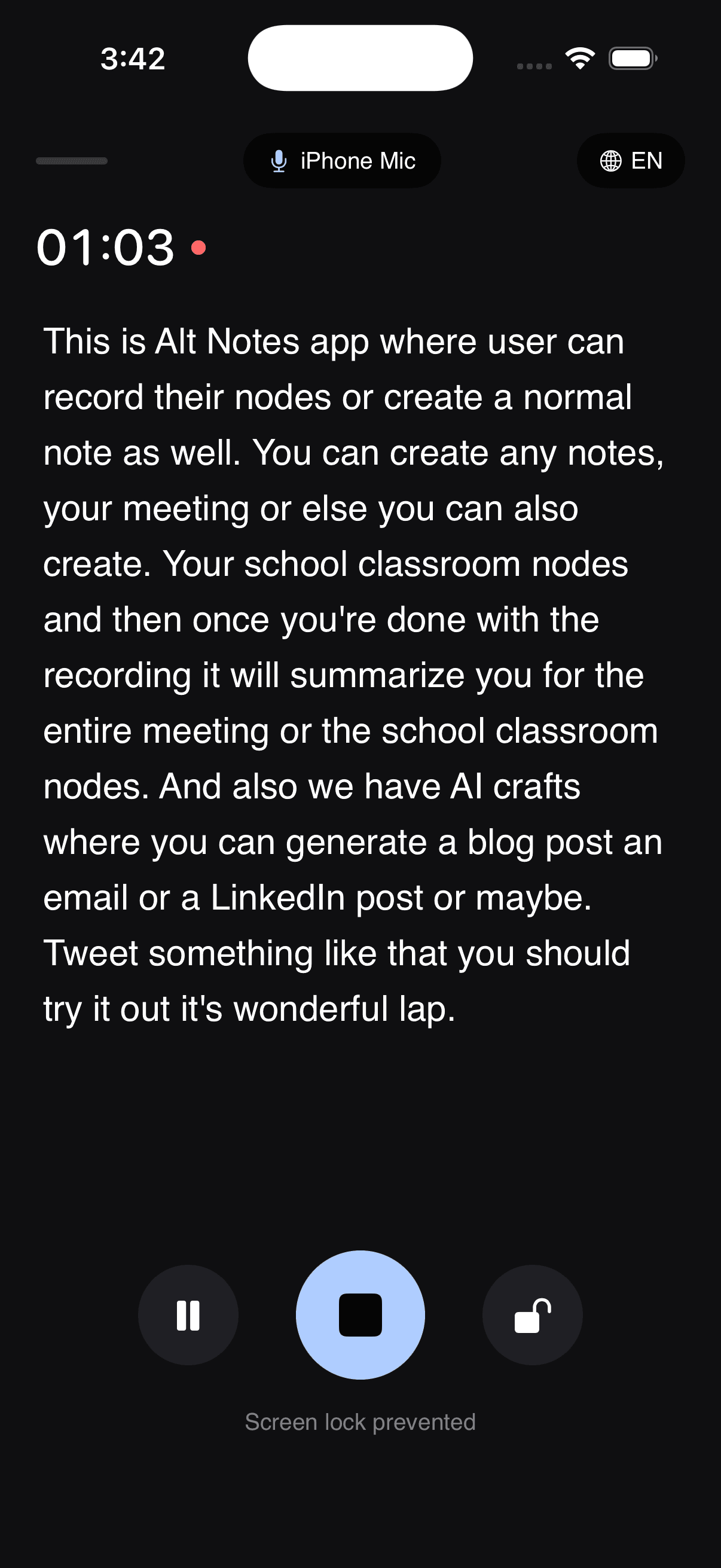
See words appear in real time — great for meetings, classes, and interviews.
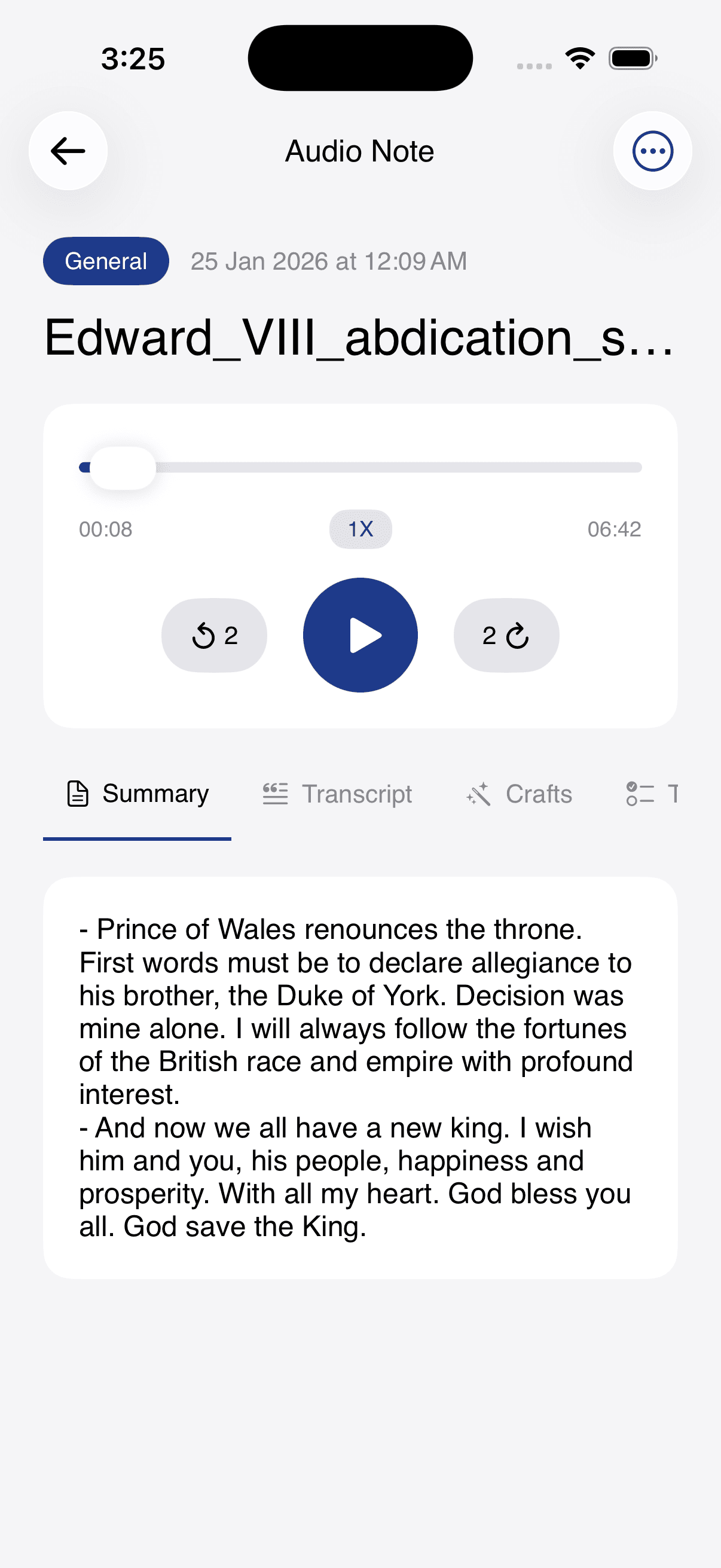
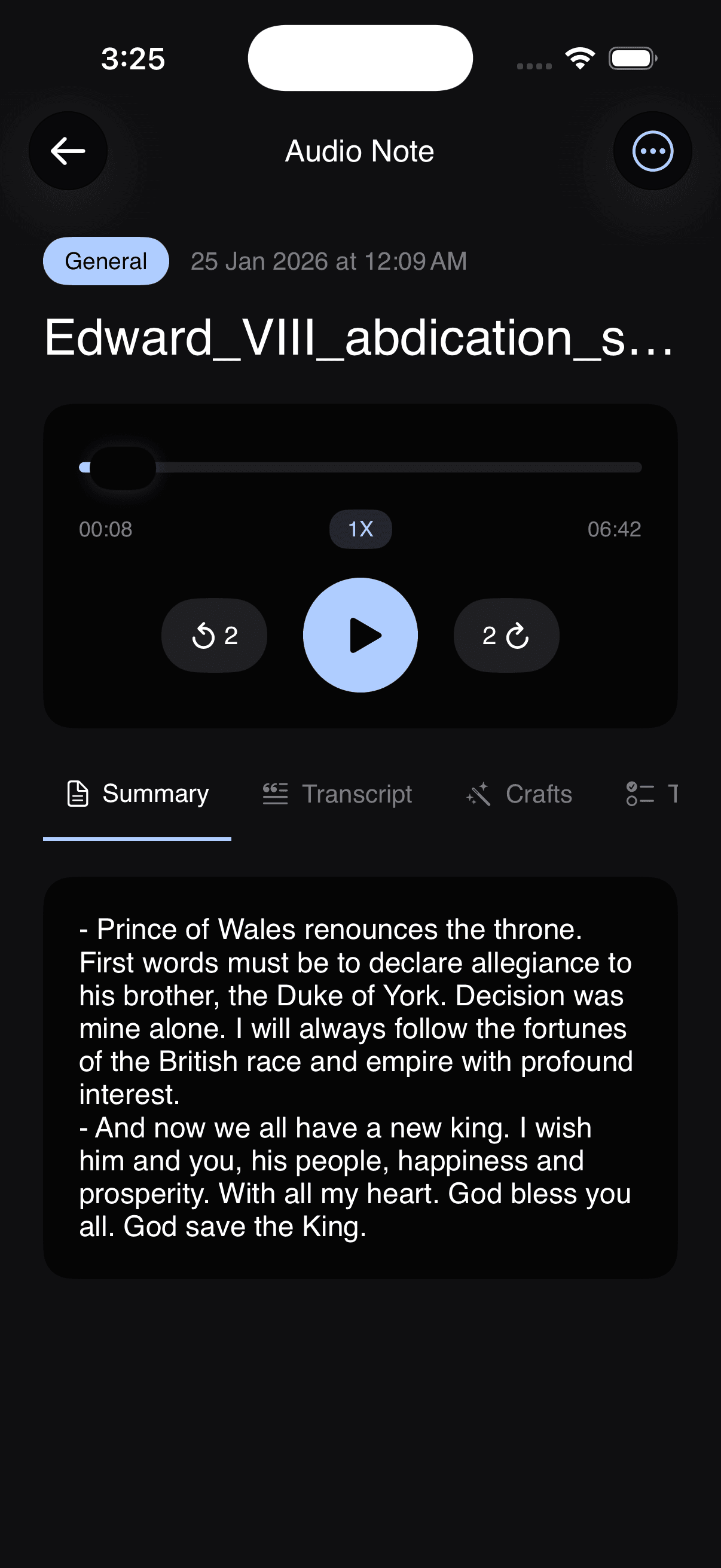
Review with audio controls on top and a clean summary below.
Chat with your notes to find answers, decisions, and follow-ups faster.
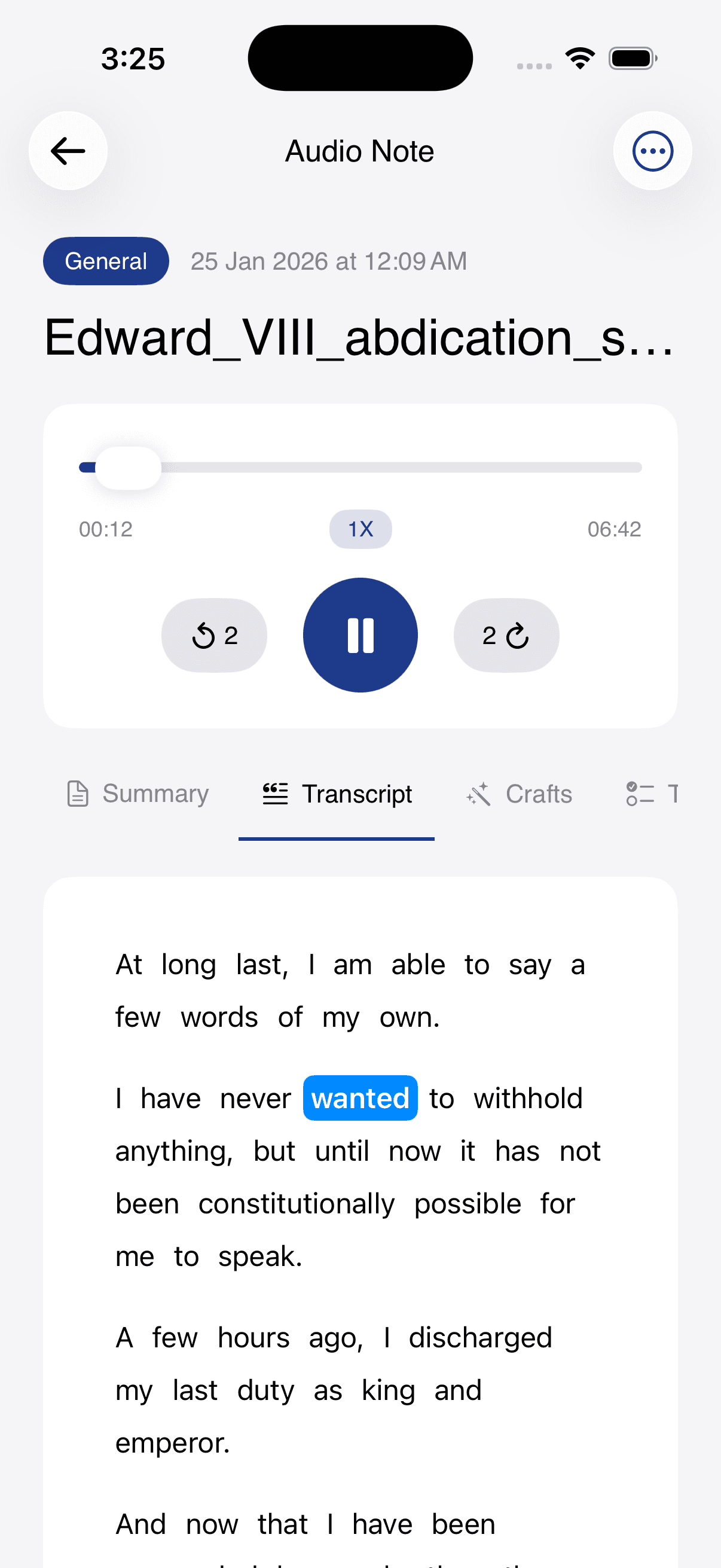
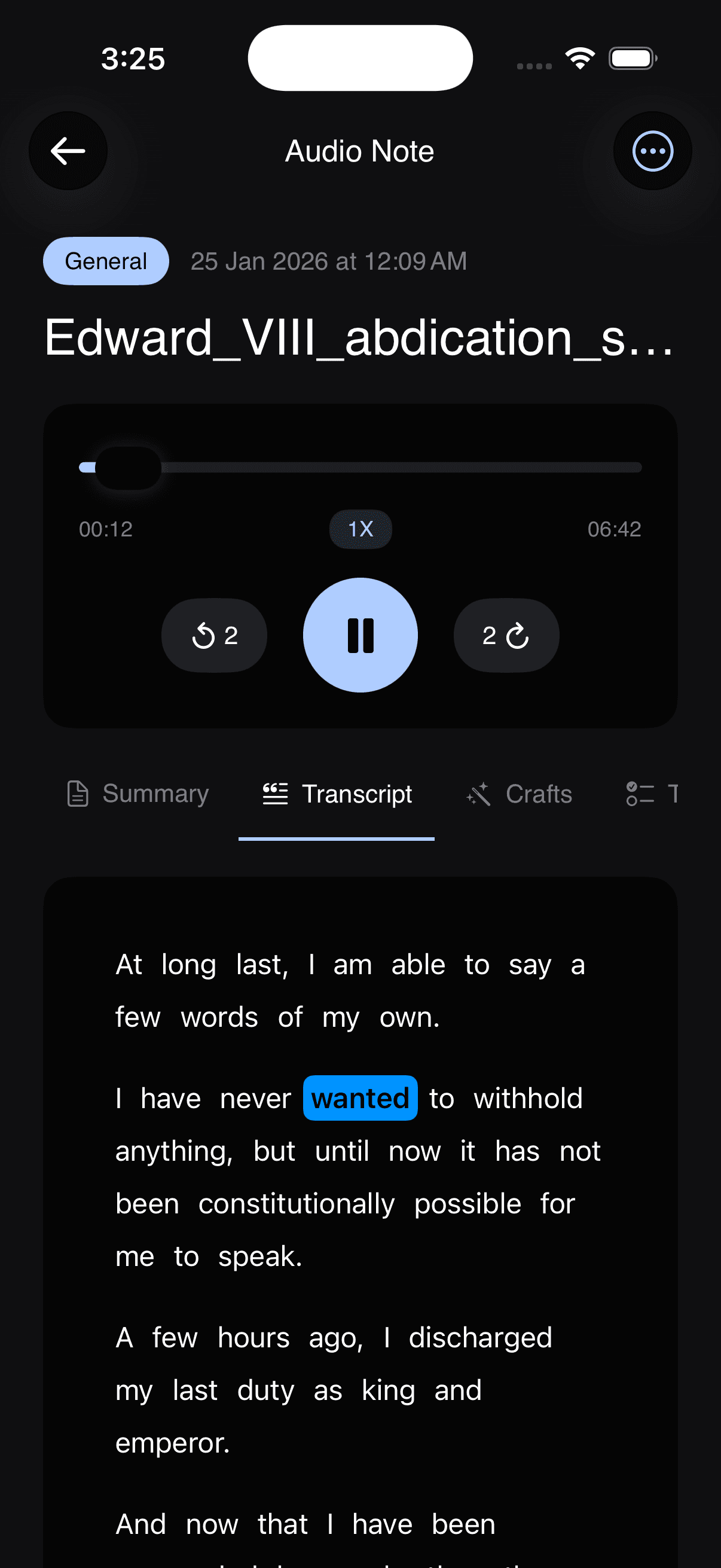
Readable, searchable text for fast scanning and precise review.
AltNotes organizes notes with AI-generated tags and suggests follow-ups automatically.
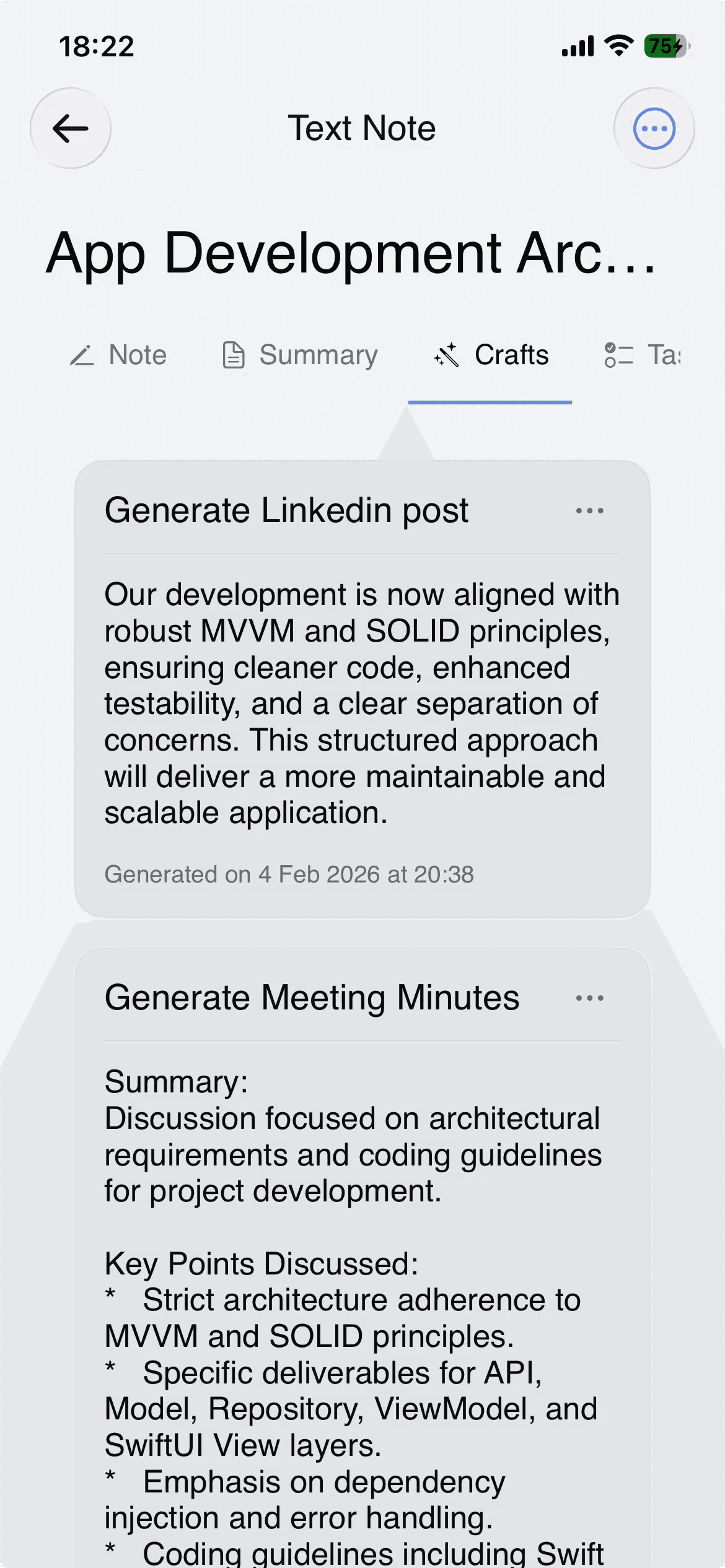
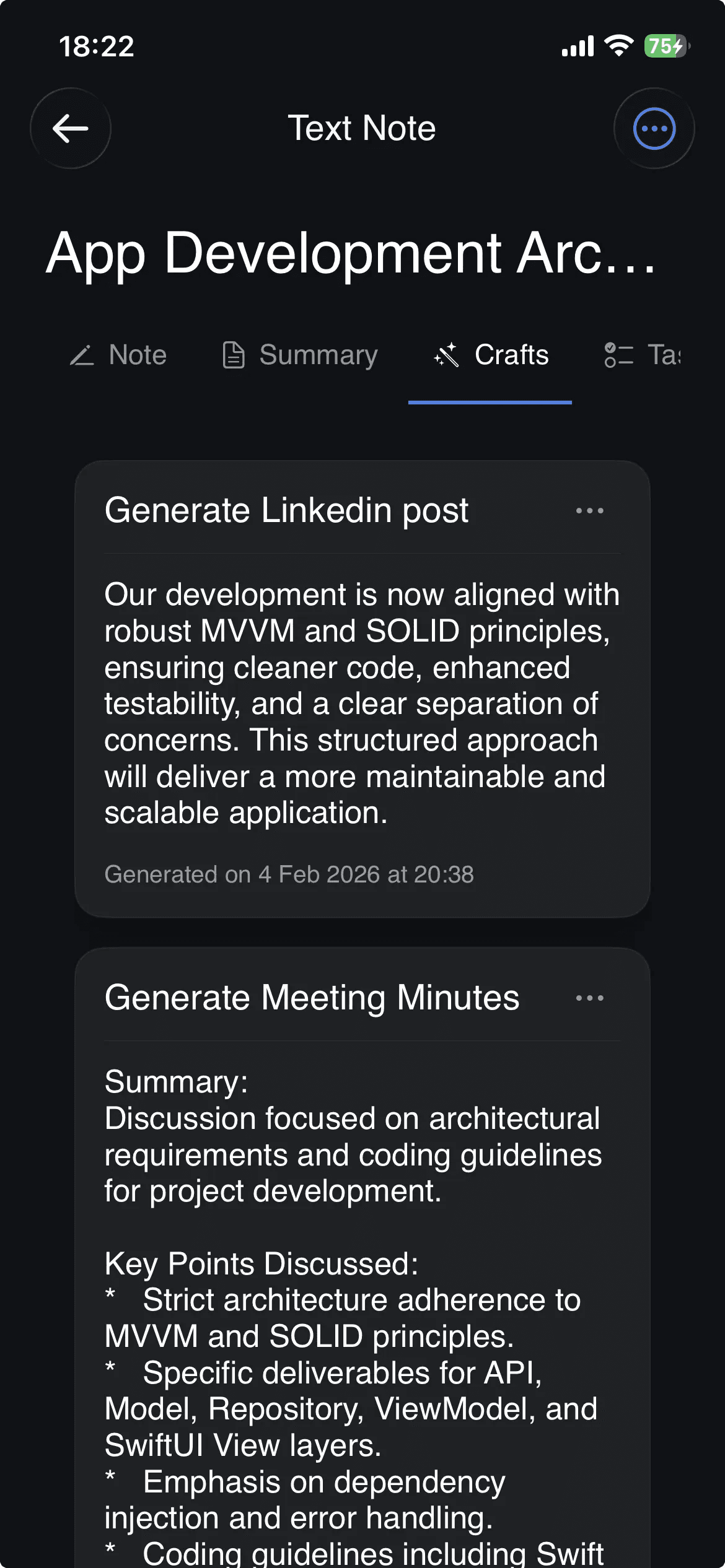
Generate meeting minutes, posts, emails, and more from your notes.
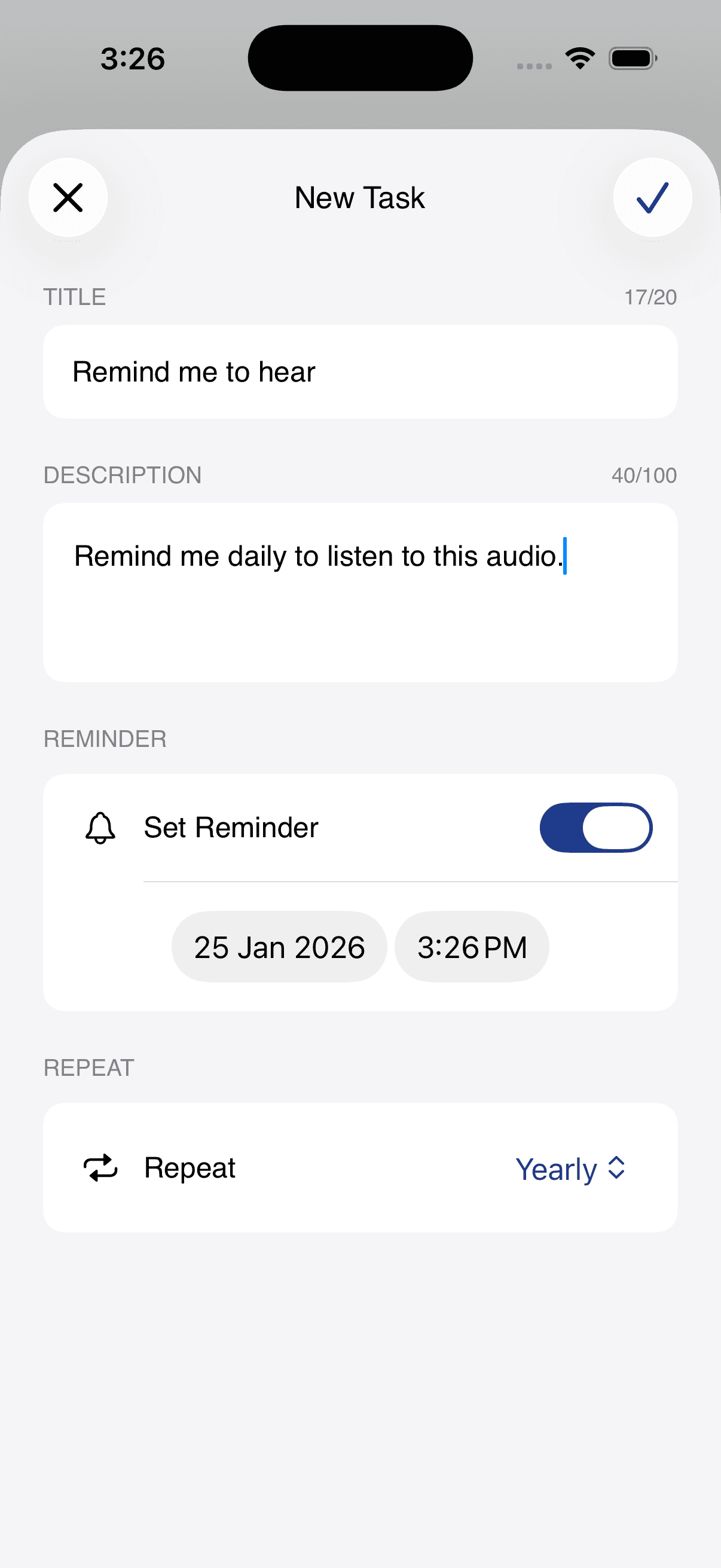
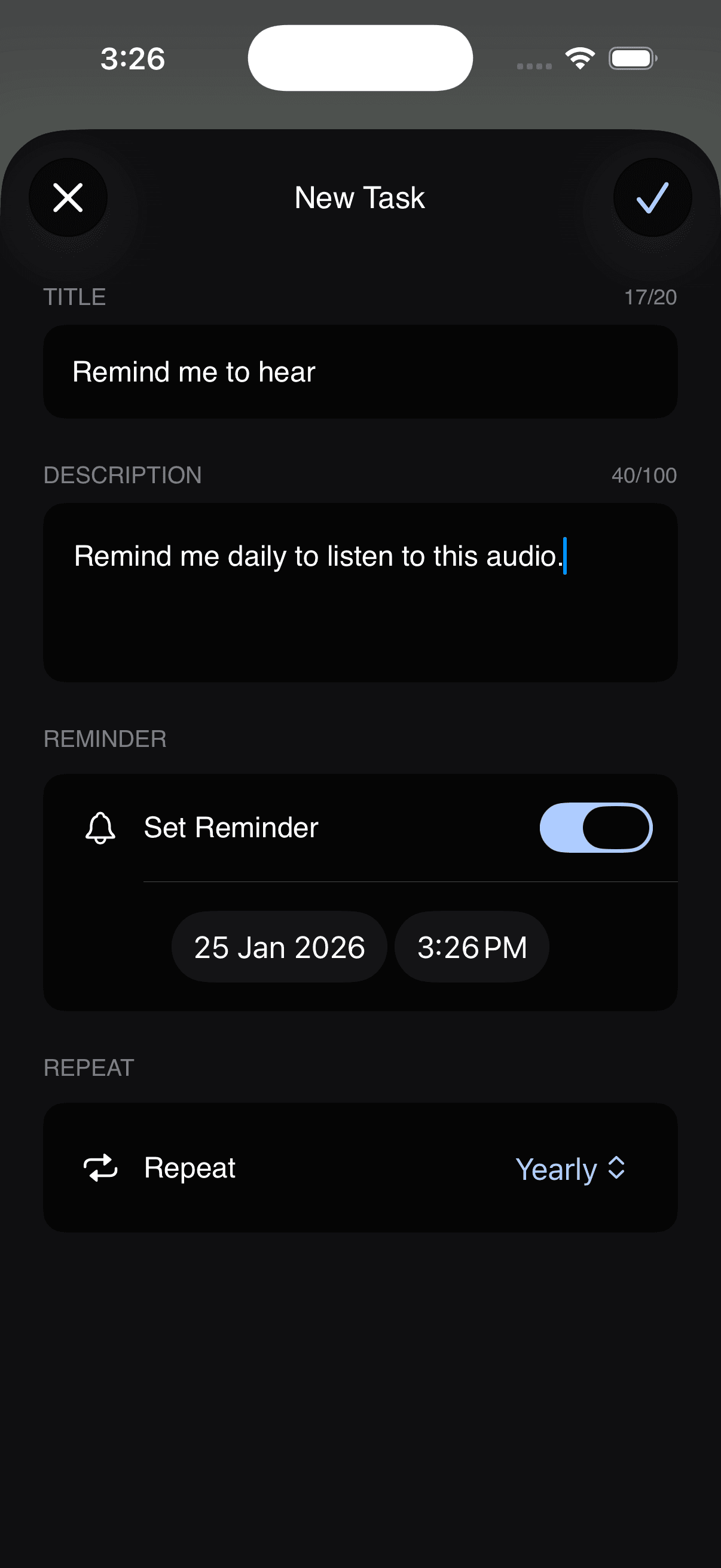
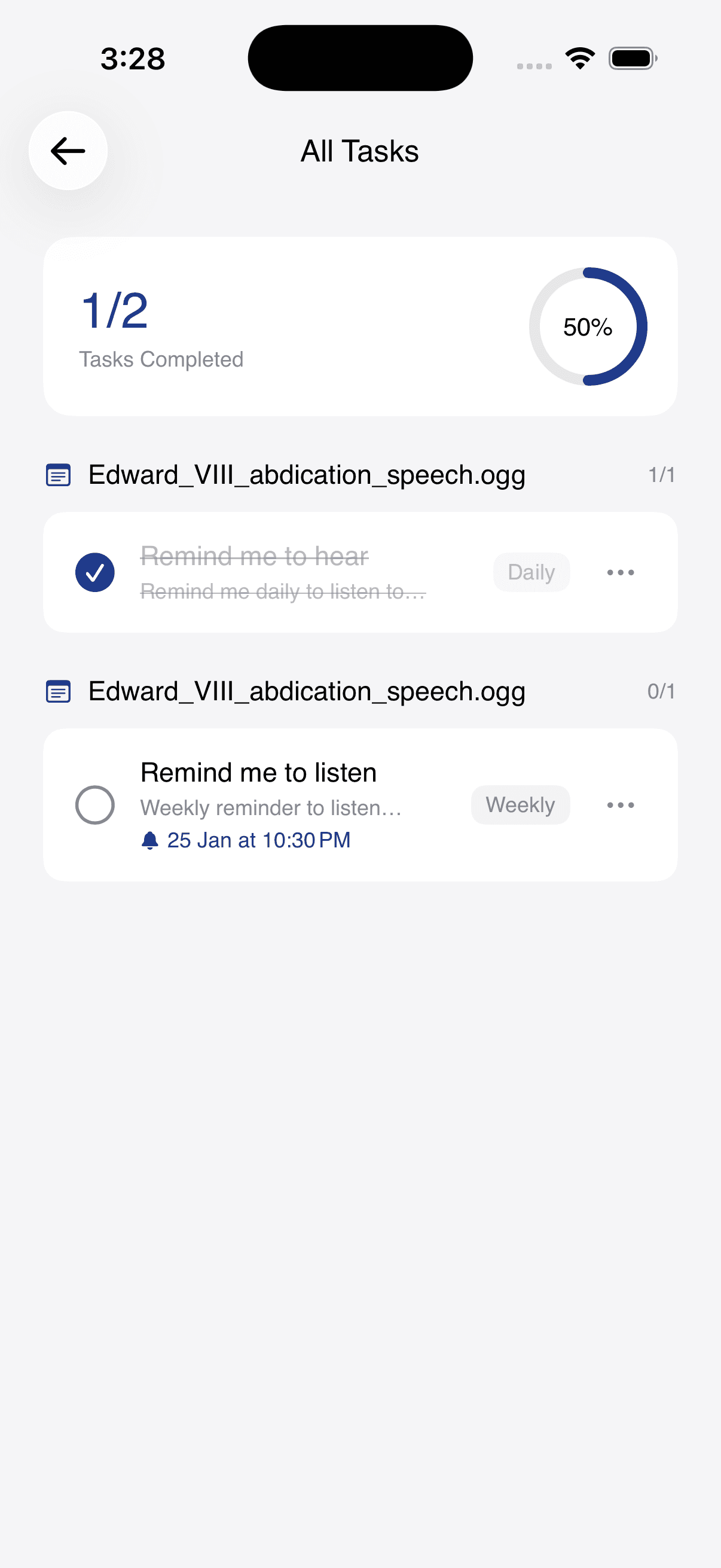
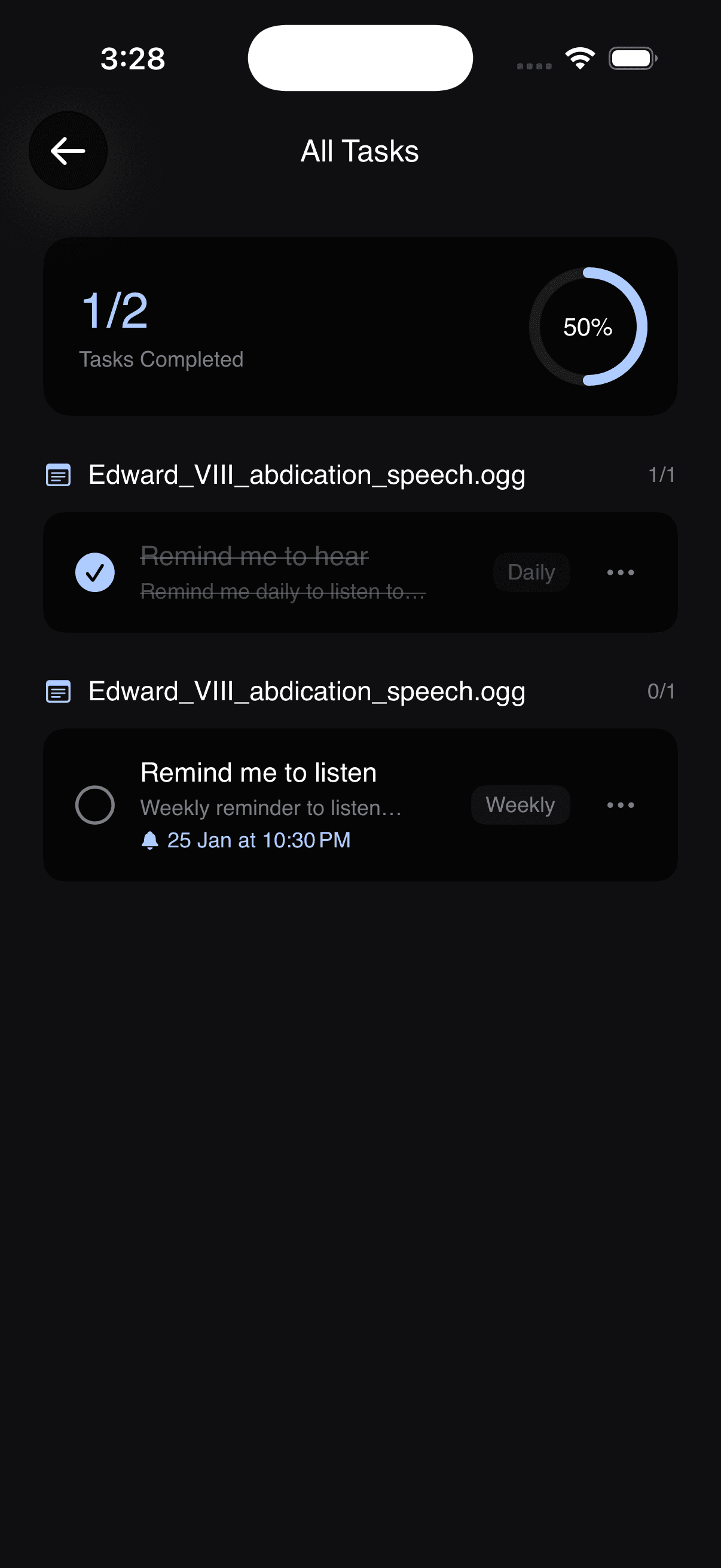
Create tasks manually with descriptions, reminders, and repeat options.
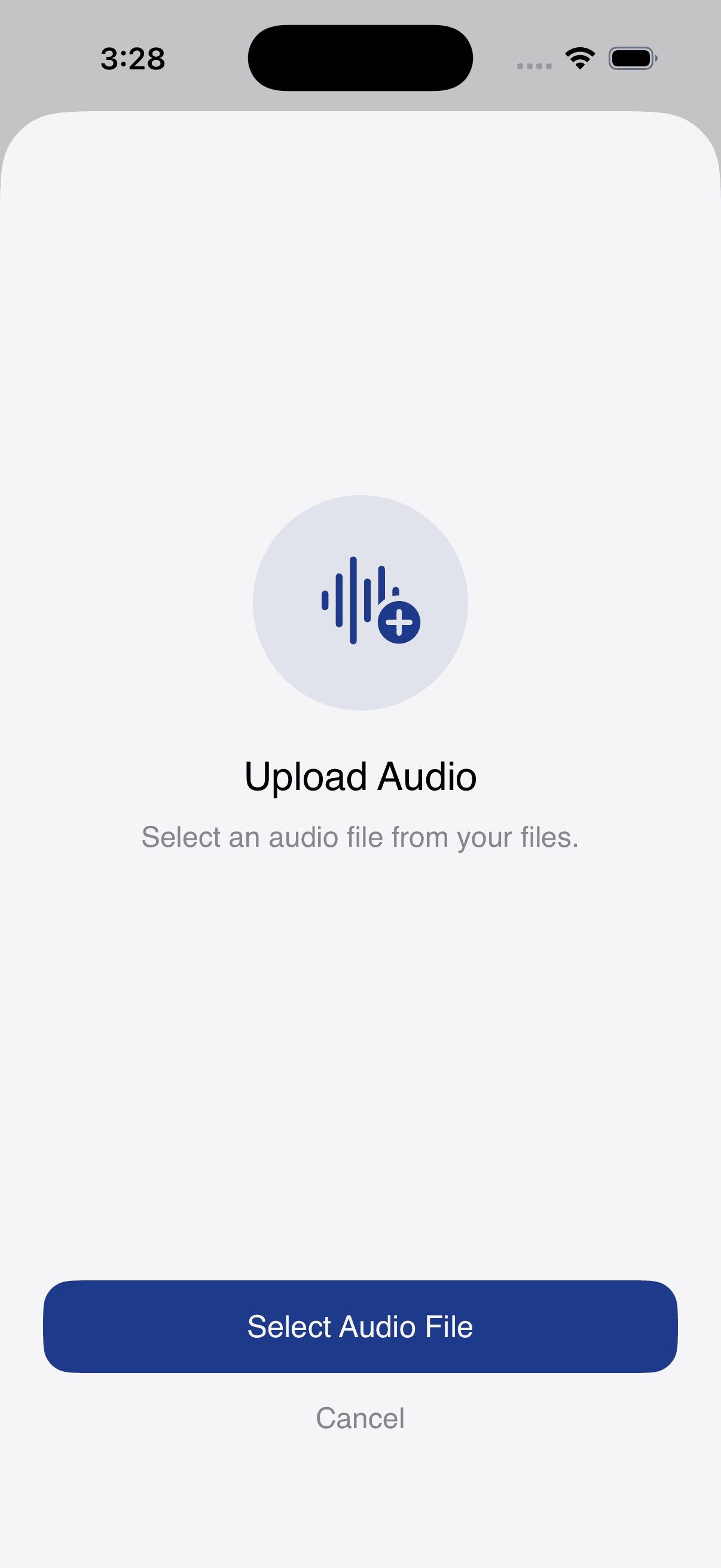
Import audio files from other apps or cloud storage.
See how thousands of users capture ideas, record meetings, and accelerate their daily workflow.
“AltNotes has completely changed how I capture business ideas during my daily commute. I talk naturally for 5 minutes and get instant executive summaries and action items ready to send to my team.”
“I run my whole company from my phone between school runs. I record product decisions out loud and AltNotes turns them into a clean changelog and a weekly investor update.”
“Our leadership offsites used to lose half their value to bad notes. Now I record each session and walk out with decisions, owners, and deadlines already written down.”
“I dump complex architecture decisions into AltNotes verbally. Ask AI parses my rambling tech specs into clean Markdown technical docs and Jira tasks in seconds.”
“After every user interview I hold the mic and think out loud for two minutes. AltNotes turns that into a tidy research summary my engineers actually read.”
“As someone with ADHD, sitting and typing long notes is painful. AltNotes lets me speak freely for 2-hour lectures, and then turns the audio into exam study guides and quiz cards.”
“I dictate lab observations while my hands are busy, and Ask AI lets me search six months of recordings for the one detail I half-remember.”
“Dictating client deposition notes immediately after leaving court saves me 2 hours of typing every single day. The privacy & security standards give me total peace of mind.”
“I capture post-consultation observations in seconds between patient visits. The live transcription accuracy and fast formatting save me hours of charting every week.”
“AI Crafts is pure magic. I record a 10-minute episode brain dump while walking my dog, and AltNotes turns it into a complete podcast outline and newsletter draft.”
“Live transcription during long subject interviews is a game changer. I can search exact quote timestamps with Ask AI and draft story outlines 10x faster.”
“Recording prospect discovery calls and having AltNotes extract key pain points and action items instantly has doubled my follow-up speed. I can't work without it.”
“I log every call from the car on the way to the next meeting. The summaries land in my CRM notes before I have even parked.”
Short, real scenarios — from lectures to interviews to creative work.
Record lectures, get a clean summary after class, and turn key points into tasks for revision.
Capture interviews with live transcription, bookmark quotes, and export sections with timestamps.
Turn meetings into minutes. Create follow‑up reminders and action items before you leave the room.
Brainstorm on the go. Generate drafts for emails, tweets, captions, and scripts from a single recording.
Insights, guides, and workflows for voice-first productivity.
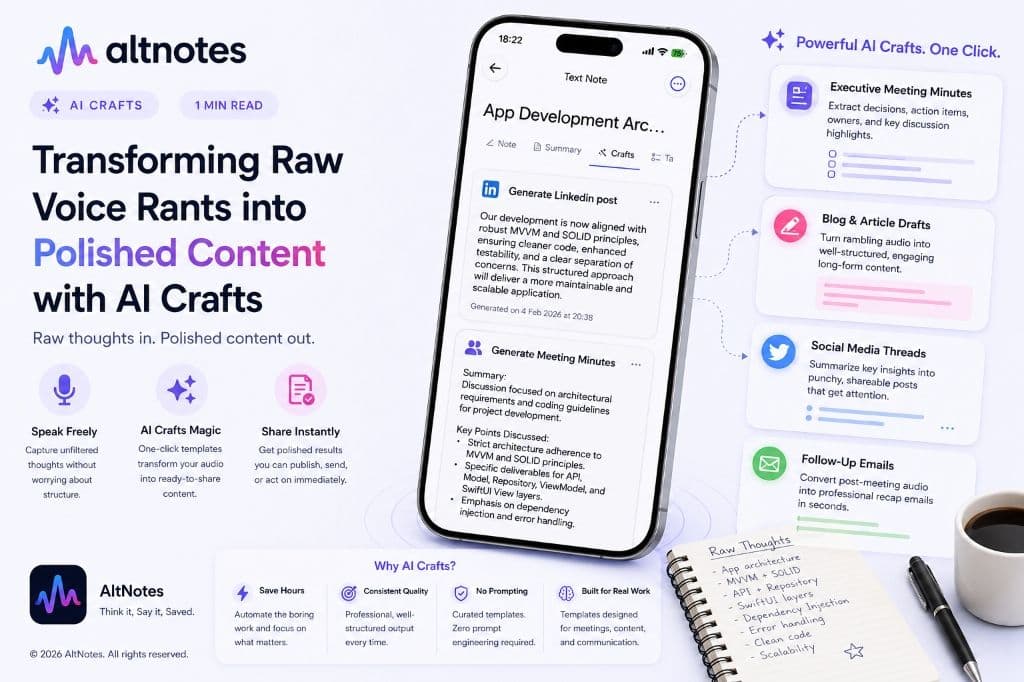
Turn 5-minute verbal brain dumps into structured blog posts, professional meeting minutes, executive summaries, or social threads with one tap.
Read article →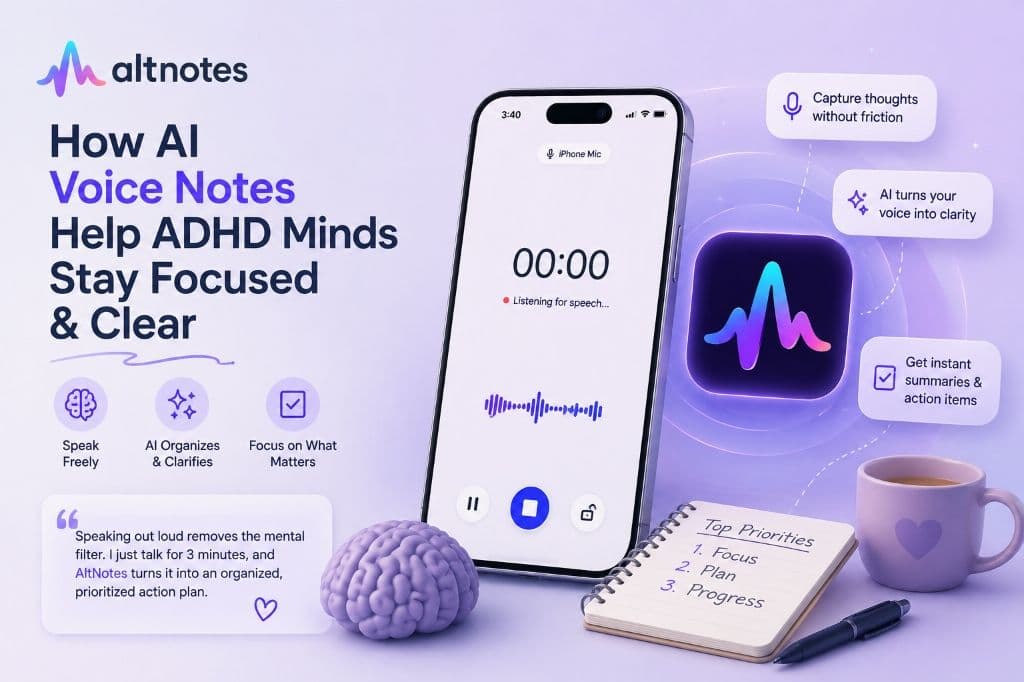
Discover how AI voice notes help neurodivergent and ADHD minds eliminate cognitive friction and turn thoughts into actionable study guides.
Read article →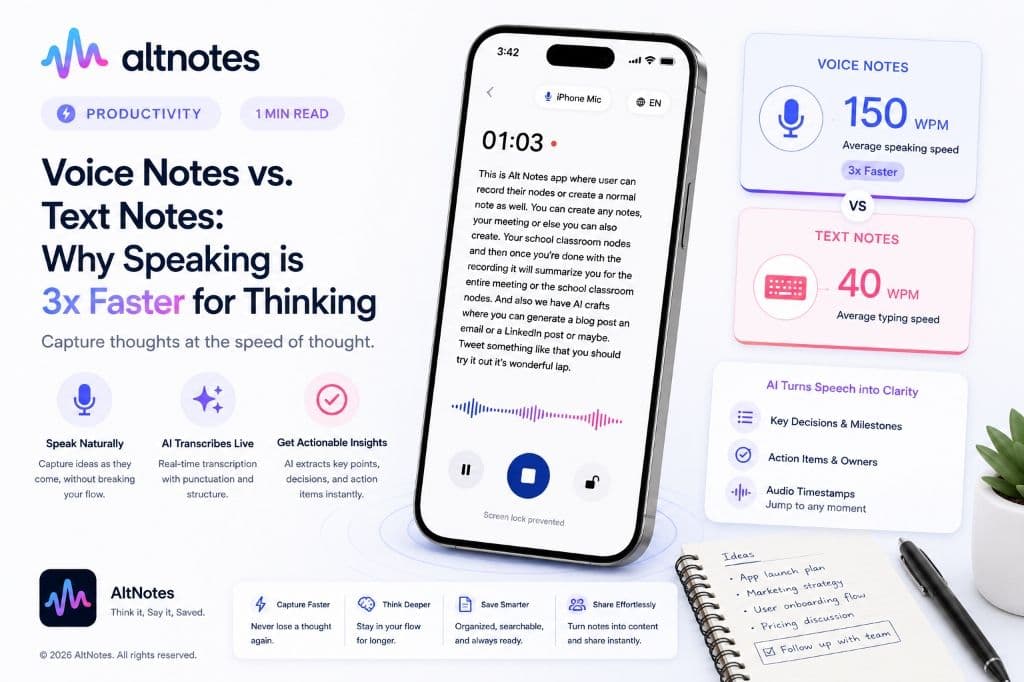
The human voice communicates up to 150 words per minute while typing averages 40. Discover why voice-first note taking unlocks superior clarity.
Read article →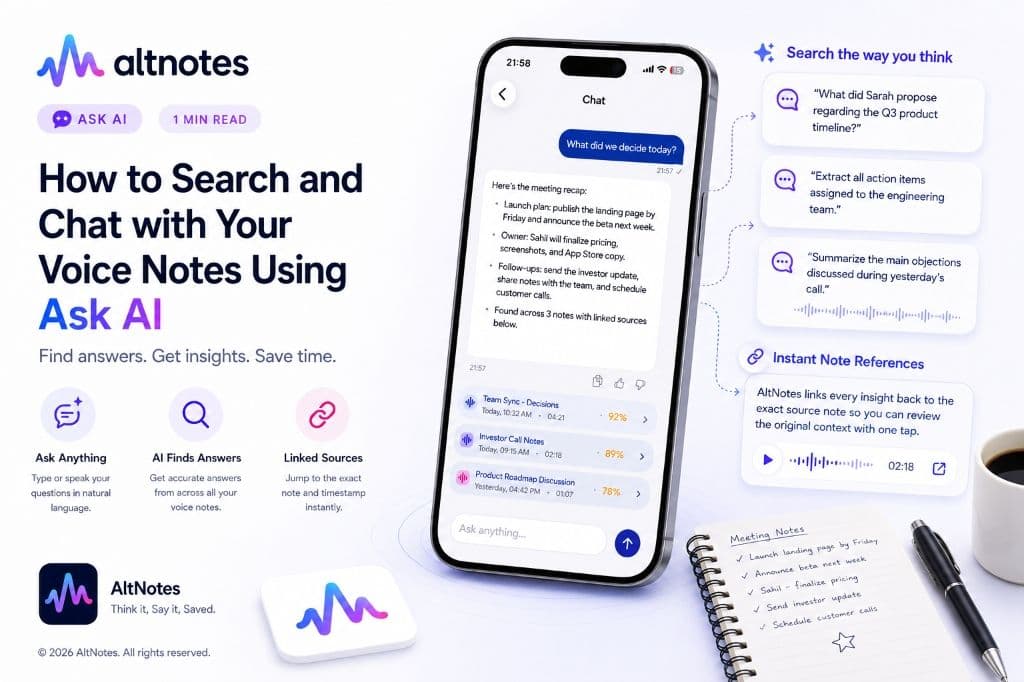
Stop scrubbing through hours of audio recordings. Ask AI lets you query past meetings, interviews, and lectures with simple natural language questions.
Read article →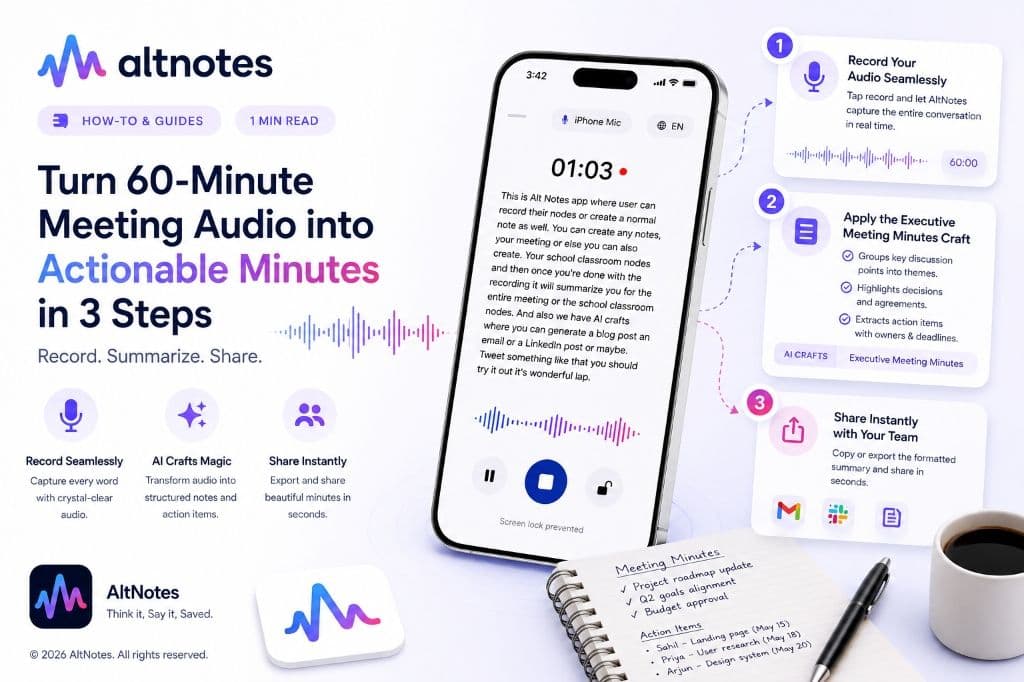
A step-by-step practical guide to recording meeting calls, eliminating manual note-taking, and generating clear action items using AltNotes.
Read article →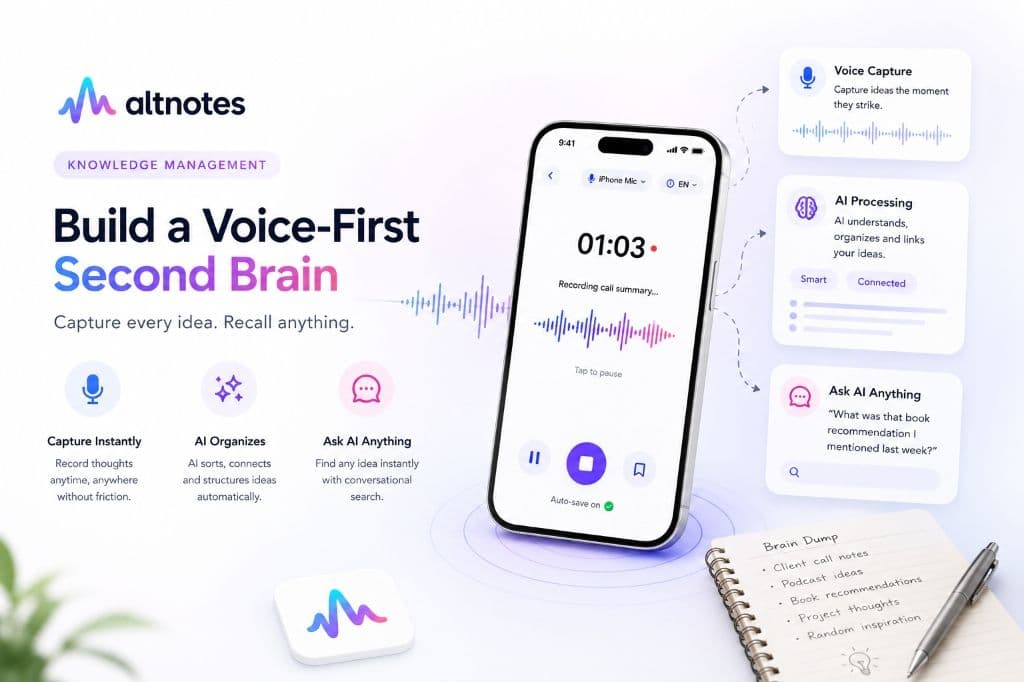
Learn how to record audio thoughts on the go, structure raw ideas into clean knowledge bases, and instantly query your memory using Ask AI.
Read article →The human voice communicates up to 150 words per minute while mobile typing averages 40. AltNotes bridges your thoughts to text without cognitive friction.